The DM First app is the best way to use the platform. It loads faster than the browser version, supports push notifications, and runs more smoothly on most Android phones. This guide explains how to download the app safely, install it, and get it running in a few minutes.
If you have not created your account yet, read our DM First register guide first.

Why Download the App Instead of Using the Browser
The app has several advantages over the browser version.
Faster loading. The app is optimised for mobile, so games and pages open quickly.
Push notifications. You get notified about bonus events, gift codes, and new games the moment they are released.
Better stability. Long gaming sessions run more smoothly in the app than in a mobile browser.
Offline shortcuts. The app icon sits on your home screen, so you can open it with a single tap.
Lower data usage. The app caches most assets locally, so it uses less data after the first load.
DM First App Requirements
Before downloading, check that your phone meets these requirements.
Operating system: Android 5.0 (Lollipop) or higher.
Storage: At least 100 MB of free space.
RAM: 2 GB or more for smooth performance.
Internet: A stable WiFi or mobile data connection during download and first launch.
Browser: Any modern browser (Chrome, Firefox, Edge) for downloading the APK file.
How to Download the DM First App – Step by Step
Step 1 – Open the Official Website
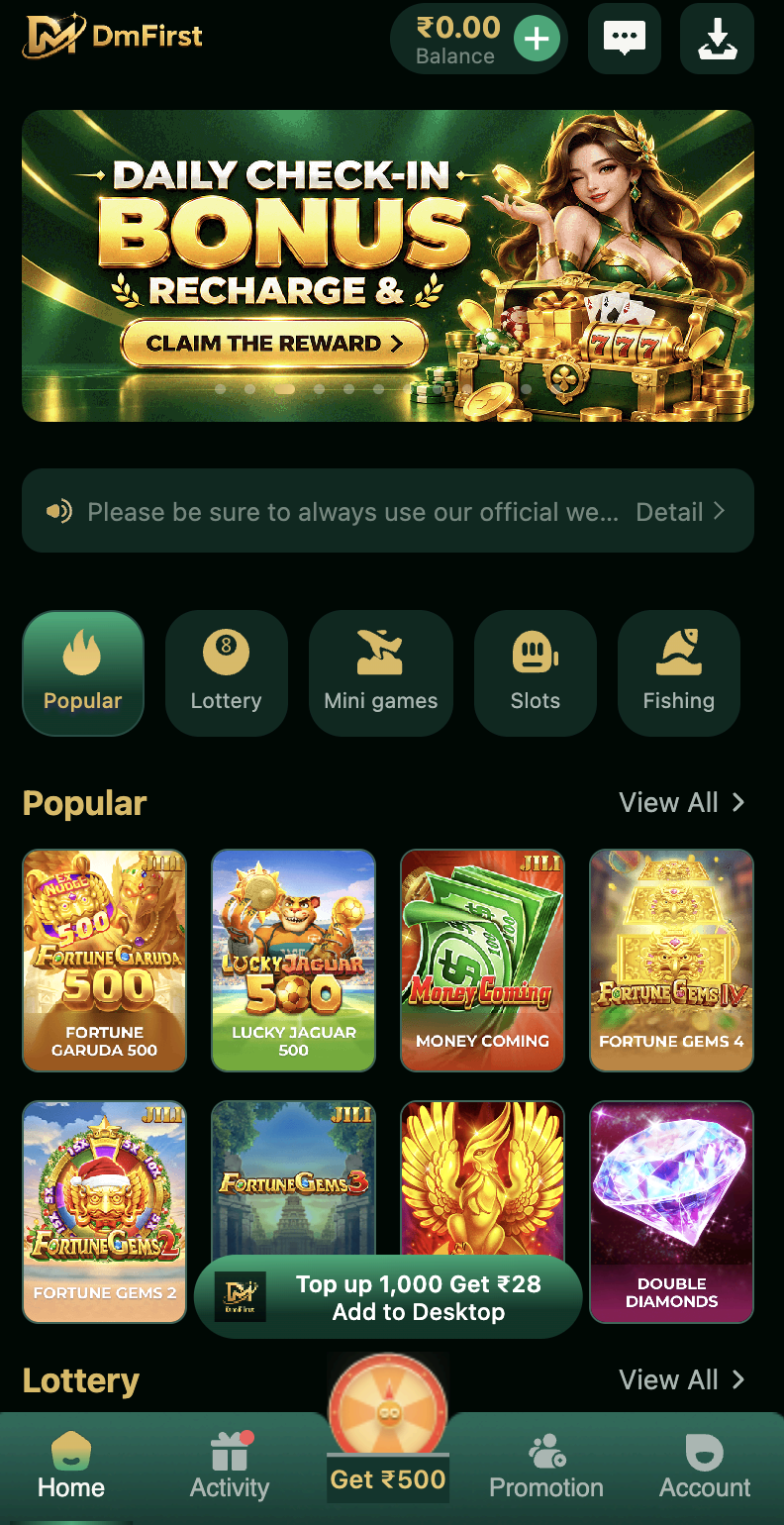
Open the official DM First website in your mobile browser. This is the only safe place to download the app. Avoid third-party APK sites and Telegram channels that share modded files.
Step 2 – Tap the Download Button
Look for the download button on the home page. Tap it. Your browser will begin downloading the APK file. Depending on your internet speed, this takes thirty seconds to two minutes.
Step 3 – Allow Installation from Unknown Sources
Android blocks apps that are installed outside the Play Store by default. You need to allow this for your browser. Open Settings, go to Security or Apps, and enable "Install from Unknown Sources" or "Install Unknown Apps" for the browser you used.
This is a normal step for any app that is not listed on the Play Store.
Step 4 – Install the App
Open your phone's Downloads folder. Tap the DM First APK file. Android will show the app permissions. Tap Install. The installation takes a few seconds.
Once installed, you will see the DM First icon on your home screen or app drawer.
Step 5 – Register or Login
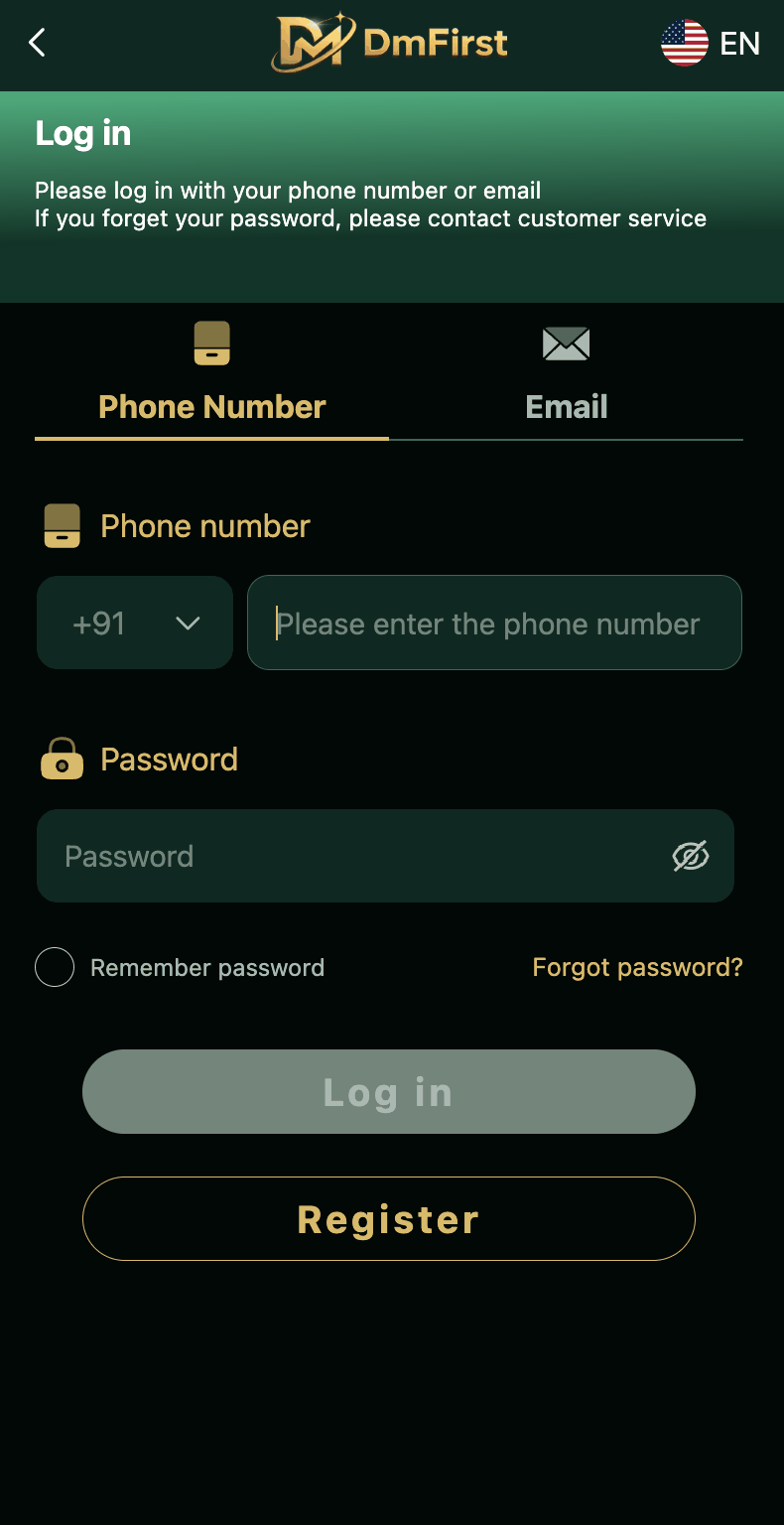
Open the app. If you already have an account, tap Login and enter your mobile number. If you are new, tap Register and follow the steps in our DM First register guide.
Use the invitation code 268471312623 during registration to claim the welcome bonus.
DM First App Features
Colour Prediction Games
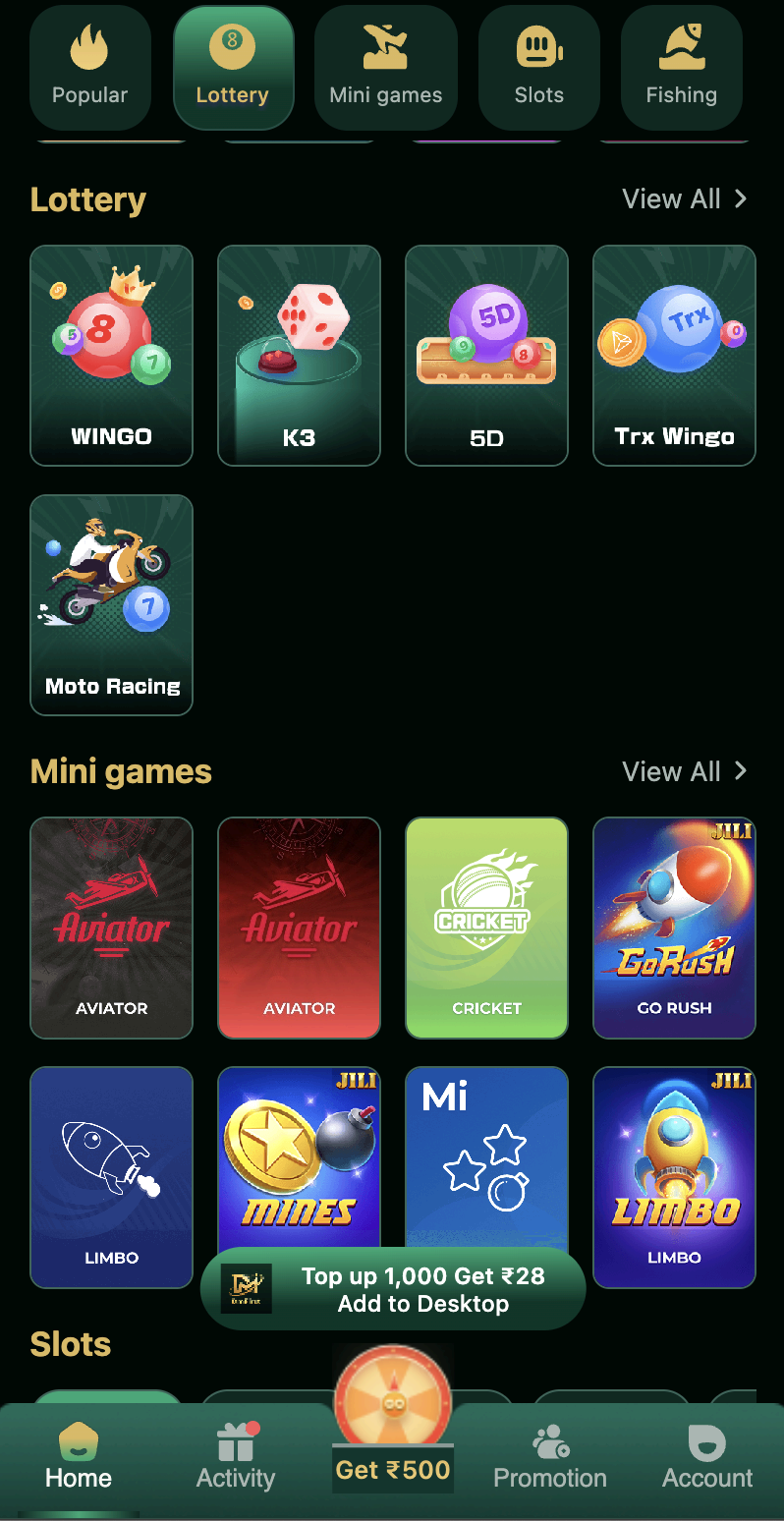
Wingo, K3, 5D, Trx Wingo, and Moto Racing are all inside the app. Rounds run from thirty seconds to five minutes. Results are shown in real time.
Mini Games
Aviator, Mines, Limbo, Cricket, and Go Rush load quickly and run smoothly. Each game has its own statistics page.
Slots and Fishing
Slots from JILI, PG, JDB, and CQ9 are all available. Fishing games support multiplayer mode with real-time interaction.
Live Casino and Sports
Live dealer tables and sports markets work without any lag in the app. The interface is designed for mobile screens.
Instant UPI Deposits
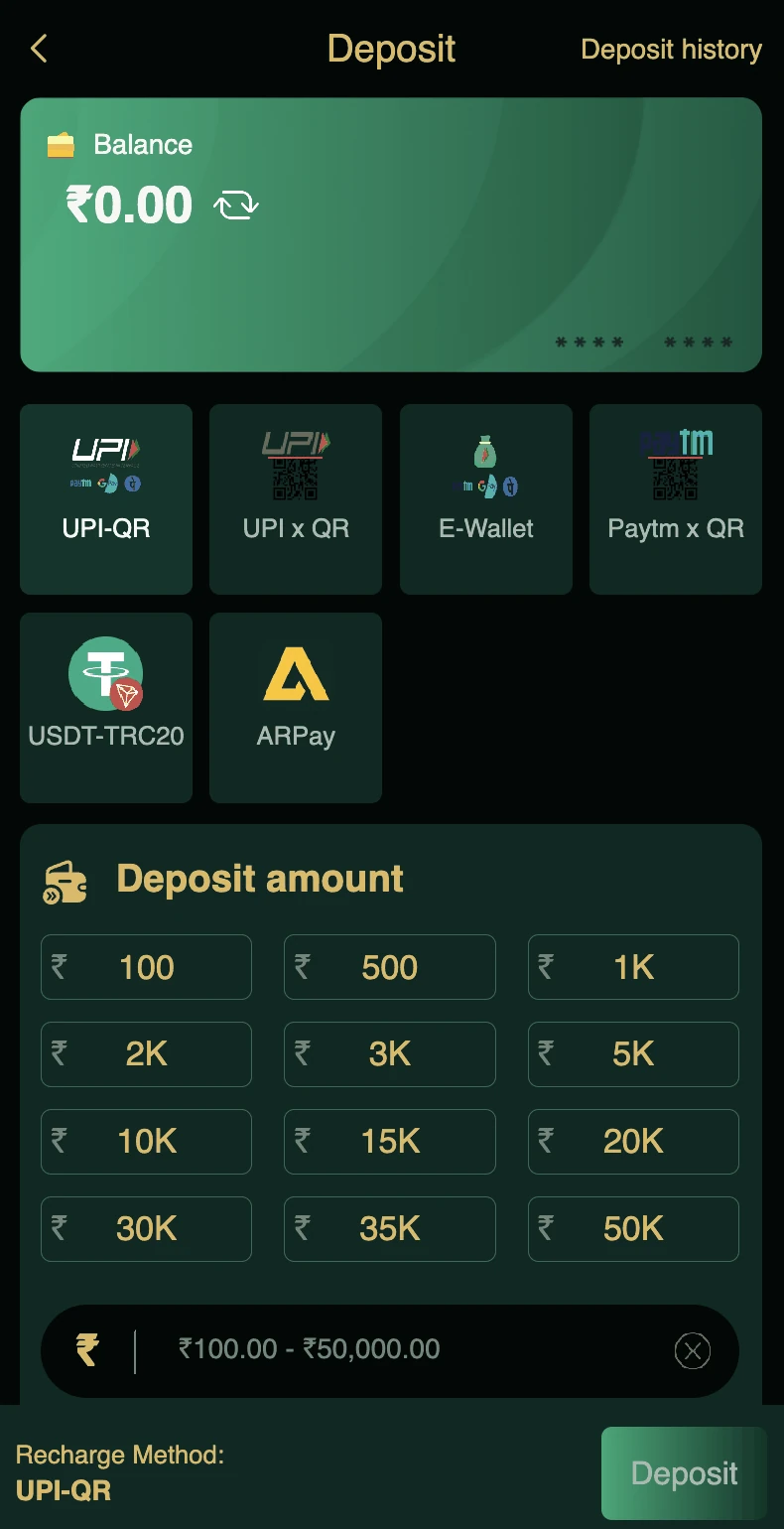
Deposits using UPI QR, UPI ID, E-Wallet, USDT, or ARPay are processed instantly. The minimum deposit is 100 rupees.
Quick Withdrawals
Withdrawals are processed between 00:00 and 23:55. The minimum is 110 rupees. USDT withdrawals are also supported.
Push Notifications
Get notified about gift code drops, bonus events, and game launches the moment they happen.
Security Features
Two-factor options, device binding, and login alerts are built into the app to keep your account safe.
Common Download and Install Problems
Download Link Not Working
Try again after a few minutes. If the problem continues, clear your browser cache or switch to a different browser.
Installation Blocked by Phone
You did not enable "Install Unknown Apps" for your browser. Go to Settings, find your browser in the Apps list, and enable the permission.
"App Not Installed" Error
This usually means you have an older version already installed. Uninstall the previous version and try again. Also check that you have enough storage.
App Crashes on First Launch
Clear the app cache from phone settings. If that does not fix it, uninstall and reinstall the app from the official website.
Login Not Working After Install
This is usually an OTP issue rather than an app issue. Check our DM First login with OTP guide for fixes.
Play Protect Warning
Google Play Protect sometimes flags apps from outside the Play Store. Tap "Install Anyway" or temporarily disable Play Protect during installation. Re-enable it after.
DM First on iPhone (iOS)
The app is built for Android. iPhone users can access the platform through the mobile browser.
On an iPhone, open DM First in Safari and log in with the same phone number and password you use on Android. To get an icon on your home screen, tap the Share button and choose Add to Home Screen. Do not install profiles or apps from links shared in chats that claim to be the DM First iOS app.
Keeping the App Updated
DM First releases updates whenever new games or features are added. The app may prompt you to update when you open it. Always install the latest version. Older versions may lose access to new features or have compatibility issues.
You can also check the official website periodically for new releases.
App vs Browser – Which One Should You Use
The app is the better choice for regular users. It is faster, more stable, and gives you notifications. The browser is fine for occasional users or for iPhones, where the app is not available.
If you play daily, install the app. If you just want to check something quickly, the browser is enough.
Safety Rules for the App
Download only from the official website. Never install mod APKs, cracked files, or apps shared through unofficial channels.
Keep Play Protect enabled. It scans installed apps for threats.
Do not grant unnecessary permissions. The DM First app does not need access to your contacts or photos.
Logout after use on shared devices.
Report any suspicious behaviour to customer service immediately.
Frequently Asked Questions
Final Words
The DM First app is small, fast, and easy to install. Download it from the official website, allow installation from unknown sources, and complete the setup in under two minutes. After that, you can register, deposit, and play from a single app on your phone.
For registration steps, see our DM First register guide. For login issues, see our DM First login guide. For the full platform overview, read our DM First game guide.